What is Genjutsu Lite?+
Genjutsu Lite is an independent AI photo-to-video tool. Choose a pet duo dance, full-body solo dance or car stunt template, add your authorized photos and generate a private video using Seedance.
Is this the official Higgsfield Genjutsu Lite or Light?+
No. This site is independent and is not affiliated with Higgsfield. Our templates use Seedance 2.0 and 2.5; we do not provide its official Genjutsu models.
How much does a video cost?+
Each available template uses 100 credits. One-time packs cost $9.90 for 100 credits, $19.90 for 300 or $29.90 for 500. No subscription or automatic renewal. Purchased credits have no preset expiry.
When are my photos uploaded?+
Photos you choose first remain in your browser. They upload only when you start a generation after signing in and confirming permission. Uploaded photos are processed by our hosting and AI providers. See our privacy policy for retention details.
What if my video fails?+
A confirmed technical failure releases reserved credits. An uncertain provider response stays under review rather than being resubmitted. A credit release is separate from a refund to your original payment method.
Can I use my own reference video?+
Custom reference-video uploads are coming soon. The current studio accepts photos for the three prepared templates only.
Will every video keep the same face, movement and music?+
AI results can vary in faces, hands, paws, wheels and motion timing. The examples show individual results. Check each template’s actual output format and audio notes; Roadster has a silent ending.
Can I return to my video later?+
Sign back in with the same Google account to find your task and private result. Downloads remain available for seven days after delivery; save your video before it expires.
What photos do I need for each template?+
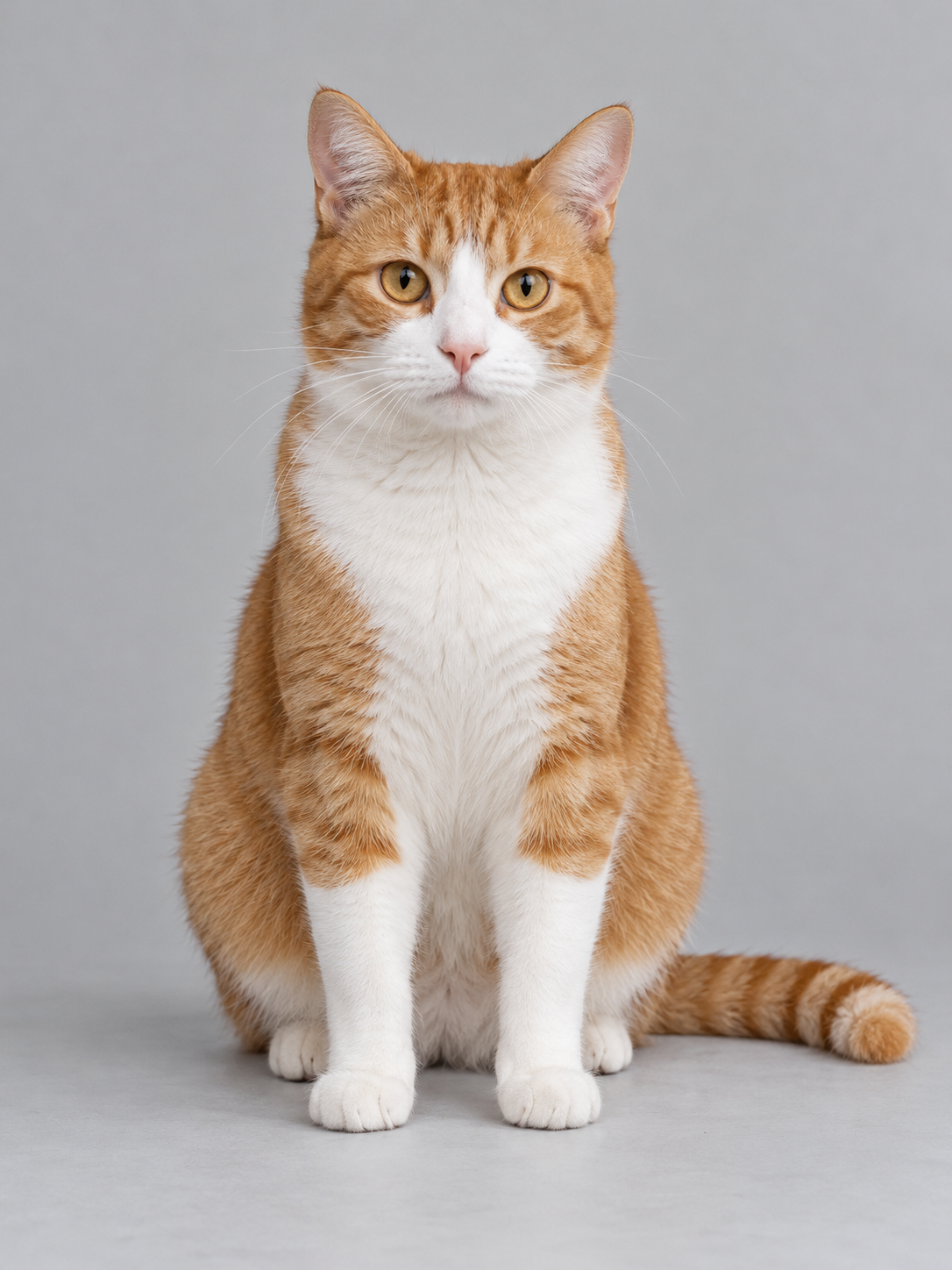
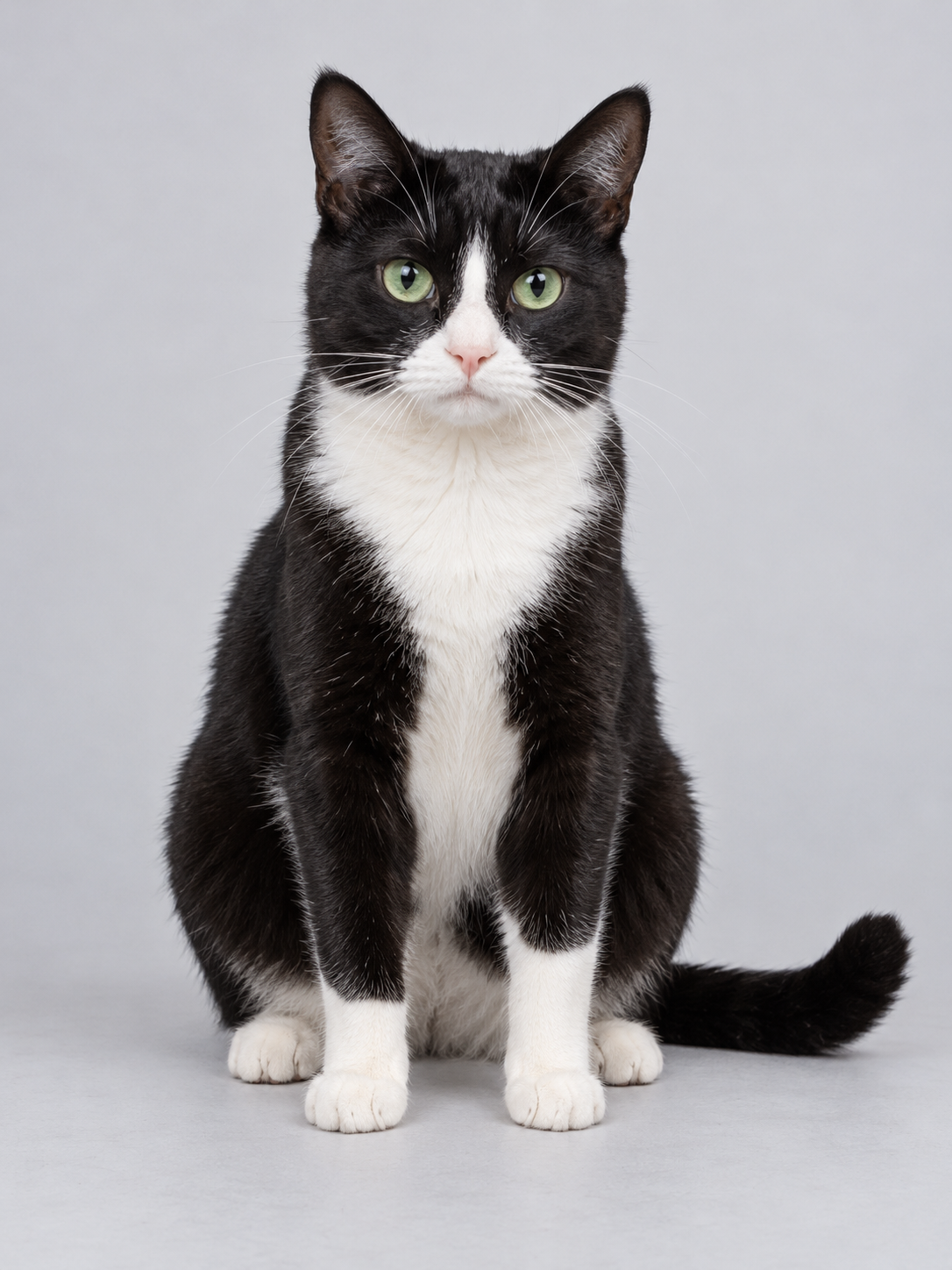
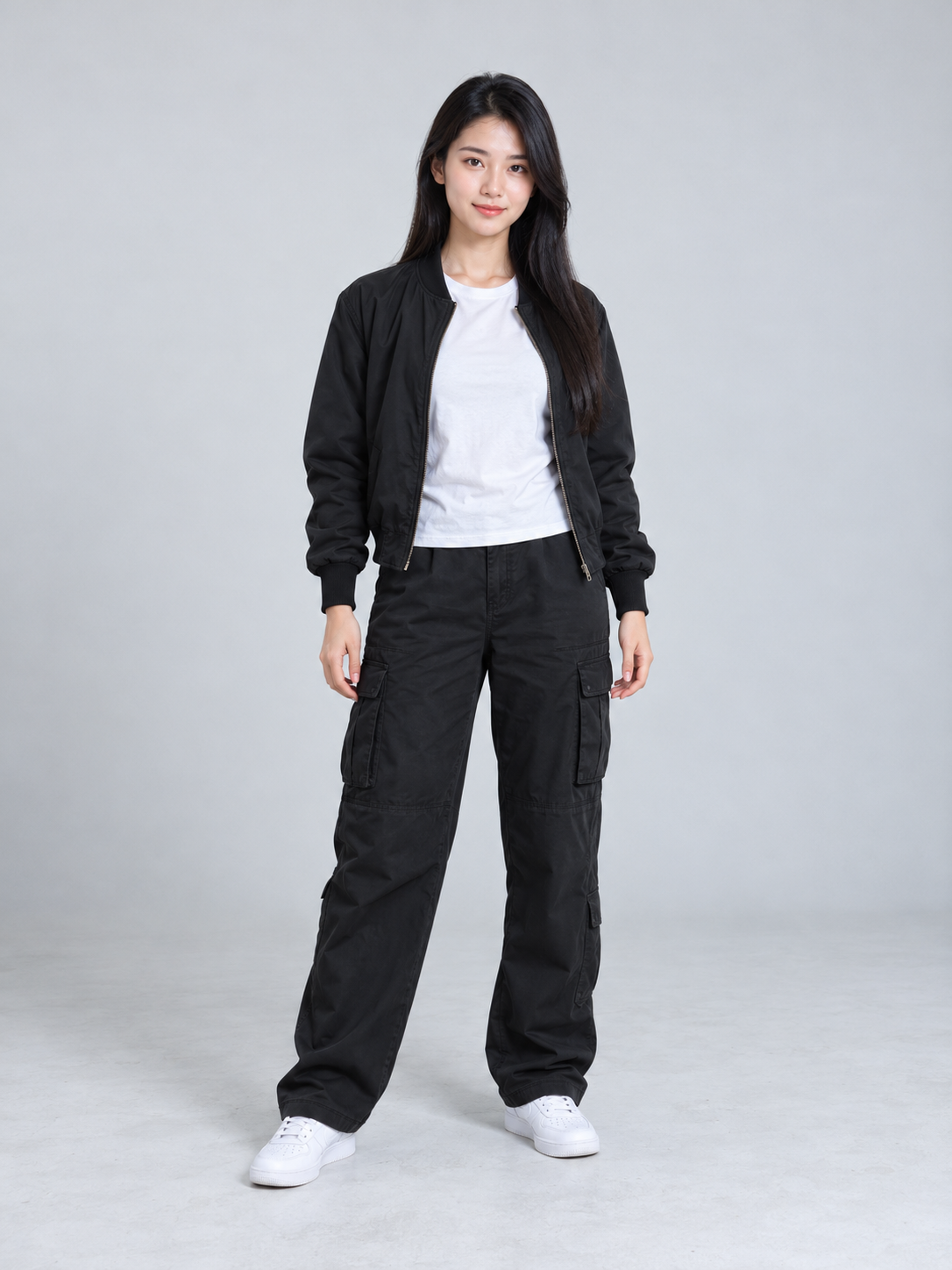
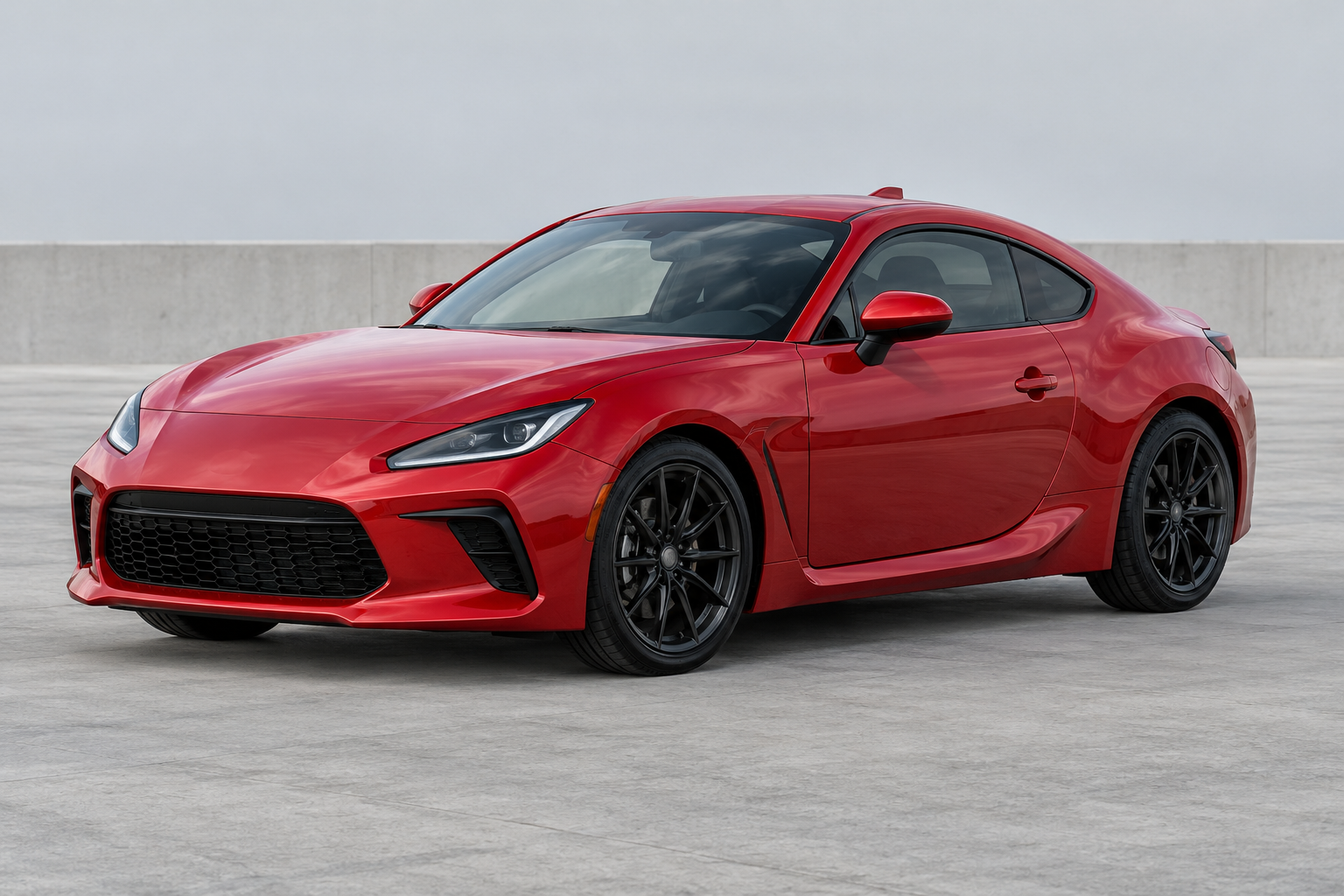
NEON Duo needs two separate pet photos, one pet in each. Beat Drop needs one consenting adult from head to toe, with face, hands and feet visible. Roadster needs one complete car with visible wheels. Use JPG, PNG or WebP, up to 10 MB per photo. Clear framing helps you assess the input; it cannot guarantee an AI result.
Can I preview my own finished video for free?+
You can watch existing examples and try selecting photos without buying credits. The studio shows a local photo preview, not an AI-generated preview of your result. No free generation or registration credits are included. A generation uses 100 credits.
Can I choose vertical video, 720p or 1080p?+
Current template settings are fixed: NEON Duo is 16:9, Beat Drop is 21:9 and Roadster is 9:16, each at the 480p generation setting. The examples list their actual pixel dimensions. Native HD options and alternate aspect ratios are not available; selecting 480p does not guarantee an exact output size.
Does the video include music, and can I choose a song?+
NEON Duo and Beat Drop examples include music. Roadster uses reference audio that fades near 10 seconds, leaving a silent ending. Song uploads and soundtrack selection are not available. Watch the complete example before submitting.
What should I do if a task is under review?+
Keep the task in your history and check its status using the same Google account. Do not submit it again just because a supplier response is uncertain. Contact support with the task ID if you need help. There is no guaranteed review completion time; confirmed technical failures release reserved credits, which is separate from a payment refund.
How long does generation take?+
We do not promise a fixed completion time. Check the task status in the studio or your history; processing and soundtrack finishing can take different amounts of time. An uncertain supplier response remains under review. Do not pay or submit again just because a task is still waiting.